Ways to use Vidsy.ai
Vidsy.ai supports multiple inspection workflows. Pick the mode that matches how you capture footage.
Live cameras (real-time)
- Use when: You have a live sewer camera feed on-site.
- What it does: Runs inference as frames arrive, overlays detections and measurements, and lets inspectors pause/review segments instantly.
- Benefits: Lowest latency feedback, spot issues before leaving the line, adjust thresholds live.
- Works well with: App Control when you want to push active detections into an external recording or reporting tool during the inspection.
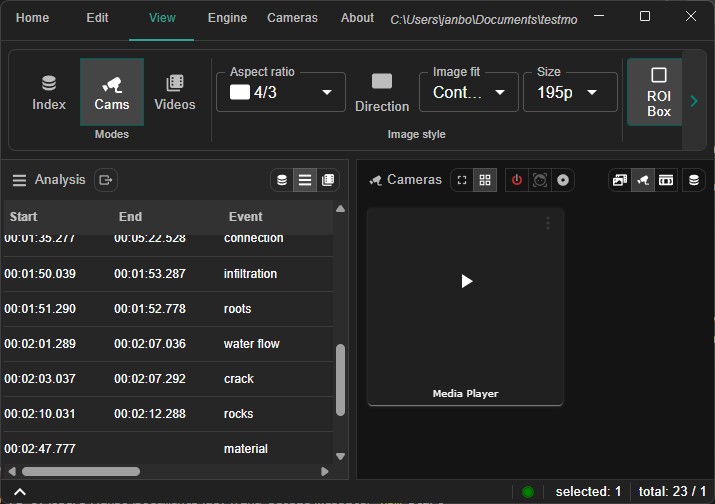
While the camera is running, open the Dashboard in the analysis panel to see a live overview of all currently active events and measurements at a glance.
If your live setup includes a separate reporting application, see App Control for the workflow that transfers observations with a button press or hotkey.
Recorded videos (post-run)
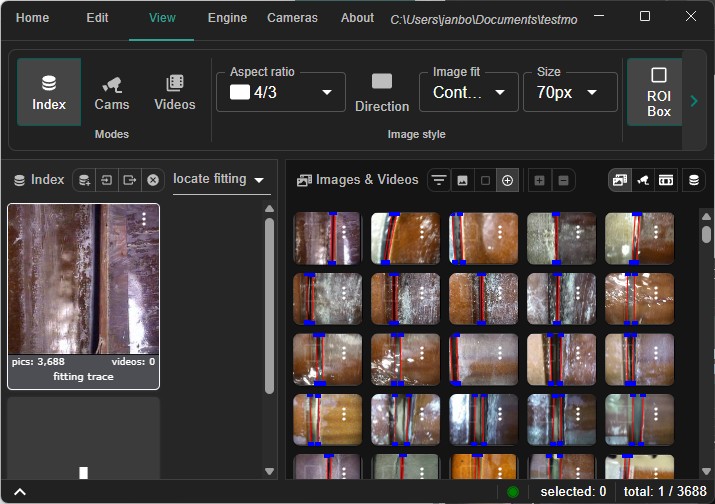
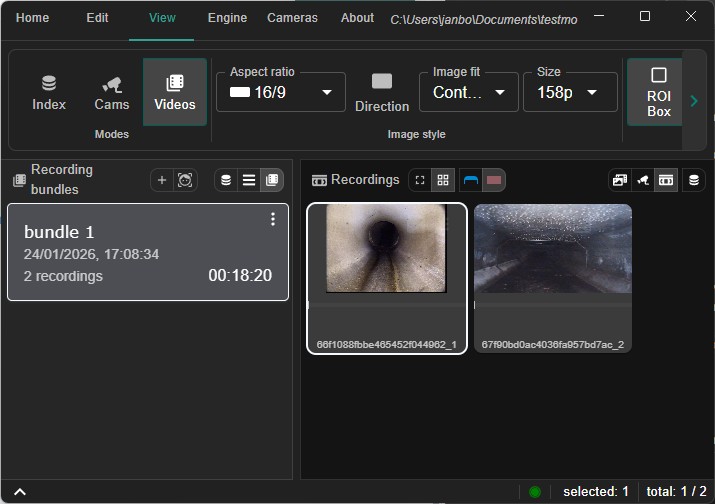
- Use when: You collected
.mp4runs and need structured review, on-site analysis was not possible, or you need to verify inspection reports. - What it does: Processes existing videos, surfaces events, and adds measurement overlays for precise reporting.
- Benefits: Re-run analysis with updated models or thresholds; skip long manual scrubbing; get an easy overview of comparison results; work how you want.
Index & training models
- Use when: You want to improve or adapt models.
- What it does: Manages indexes of annotated footage and supports training or fine-tuning models on your data.
- Benefits: Tailor the engine to your network, pipe types, and defect taxonomy; keep improvements in-house.